

No abstract feature lists. Here's the product itself — the screens, the flow, and a quick look at a day of operations from dock to report.
Every stage is coded the way your floor should talk — and lives in the same place, so re-keying is held to a minimum.
A·01 /
Receive
Log inbound against expected POs, flag discrepancies at the dock, and auto-generate putaway — per client, with the right handling rules.
A·02 /
Putaway
Verify inventory the moment items land. Direct stock to the right locations.
B·01 /
Inventory
Track by pallet, case, or item with unique license plate capabilities. Bin-level detail with client-segmented data. FIFO shipping with lot and date code tracking using any bluetooth capable bar code scanners or devices you want.
B·02 /
Orders
Orders sync in from Shopify, WooCommerce, BigCommerce, and more and land verified and ready to fulfill, with rules applied.
C·01 /
Pick
Optimized pick paths and clear tasks can cut excessive walking and mistakes. Accuracy is tracked, not assumed.
C·02 /
Pack
Verify contents, choose packaging, and capture weights — with client-specific packing rules built in.
C·03 /
Ship
USPS, FedEx, UPS, DHL, and more are rate-shopped. Add custom margins if desired. Print labels individually or in bulk. Batch your orders by carrier, country, item, or other parameters — plus LTL freight when you need it.
D·01 /
Report
Viewable throughput, employee accuracy and efficiencies, client activity and more — the numbers you and your clients need to improve your decision accuracy.
Want the guided tour?
Book a demo and we'll walk you through the flow end to end and answer your specific questions.
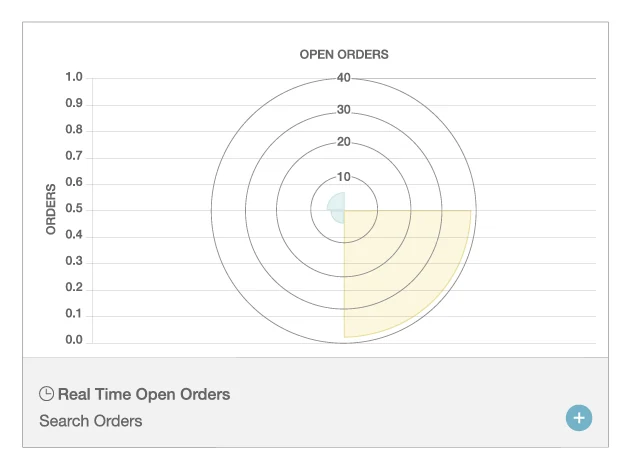
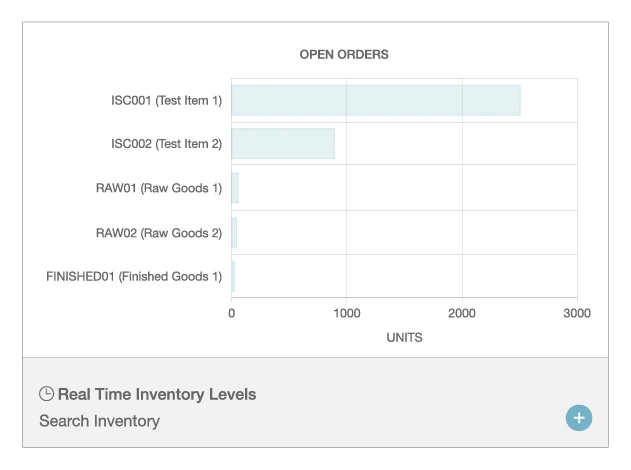
Short how-to clips for the moves your team makes every day.
More how-tos are in Resources — a growing library of short guides.
The path from sign-up to shipping. Most teams are printing labels the same day.
01
Sign up and add your company info — the basics we need to set up shipping and billing.
02
Add your billing details so postage and plan charges run cleanly from day one.
03
Install our Shopify app (or connect WooCommerce, BigCommerce, and QuickBooks) — no middleware.
04
Push a real order through end to end — rate-shop, print a label, confirm it looks right.
05
Turn it on and start shipping. Add inventory, freight, or full WMS modules whenever you're ready.
Straight answers to the questions we hear most. Still have questions?
Contact UsMost teams are shipping the same day. Connecting with our current storefront and carrier integrations takes minutes, not weeks — no developer required.
Shopify, WooCommerce, BigCommerce, and more for orders and inventory, and QuickBooks for accounting — all without middleware.
Yes. Warehouse Craft handles B2C parcel across most major parcel carriers, plus B2B pallet and LTL freight — from one system.
No. Start with shipping, then add real-time inventory, freight, and warehouse modules as you grow, only paying for those systems that you use.
Start free and load your own SKUs, or book a demo and we'll walk your flow end to end.
No setup fees · No hidden costs · Cancel anytime